Easily Access Your IBM SmartCloud Object Storage
IBM SmartCloud Object Storage is targeted for Enterprise Cloud Storage. Most of the time, it is used for disaster and recovery or as an alternative media storage option. This series of articles discuss other common use cases – team collaboration and file server replacement. The use case will allow you to roam around freely and yet always have access to your files and folders in the IBM SmartCloud, whether the access is direct web browser access; desktop client access; file server access or mobile device access.
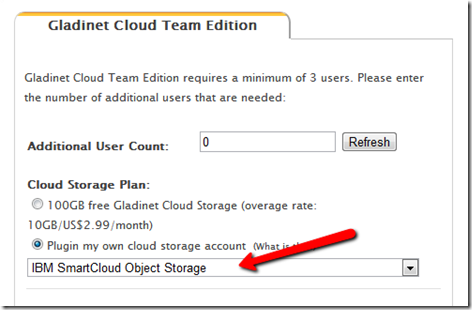
First you will need an IBM SmartCloud Object Storage account and a Gladinet Team Edition account. Got www.gladinet.com, select Team Edition. In the next page, select “Plugin my own cloud storage account” first, then select “IBM SmartCloud Object Storage”.
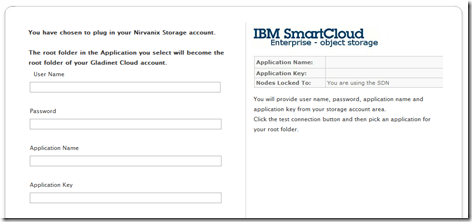
In the next page, you will enter your IBM SmartCloud Object Storage account information.
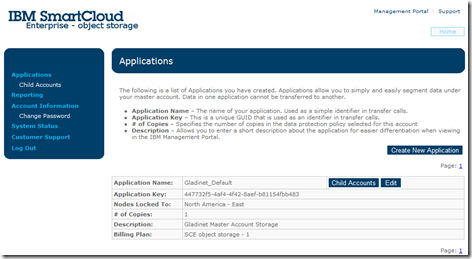
You can get the credentials from your IBM SmartCloud Object Storage Portal:
Before going into more advanced team collaboration and sharing features, let’s check out the different access clients.
After you have checked out various accessing method provided for your IBM SmartCloud Object Storage, you are ready to try out the more advanced team collaboration related features. We will cover those in a series of articles in the coming days.
First you will need an IBM SmartCloud Object Storage account and a Gladinet Team Edition account. Got www.gladinet.com, select Team Edition. In the next page, select “Plugin my own cloud storage account” first, then select “IBM SmartCloud Object Storage”.

In the next page, you will enter your IBM SmartCloud Object Storage account information.

You can get the credentials from your IBM SmartCloud Object Storage Portal:

First – Web Browser Access
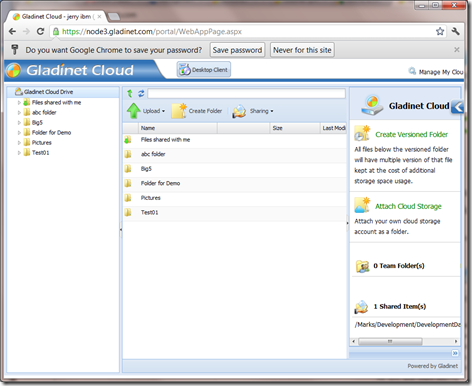
Once it is all setup, you will be at the web portal, looking at your files and folders inside your IBM SmartCloud Object Storage account. You will find the web browser portal is very similar to the windows explorer, leveraging the latest HTML 5 features.
Before going into more advanced team collaboration and sharing features, let’s check out the different access clients.
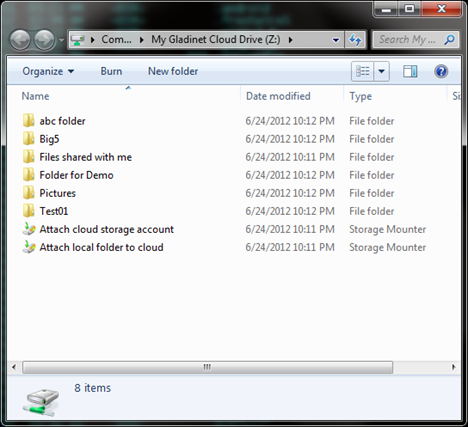
Second – Access Client on Windows

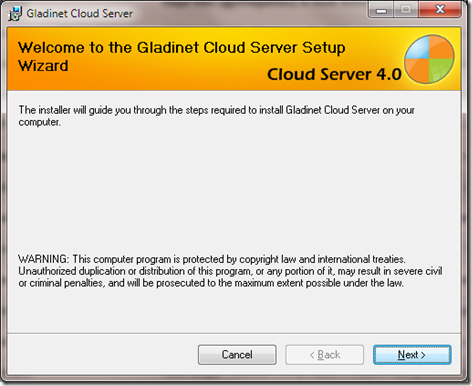
Third – Windows File Server Access
You can install Gladinet Cloud Server (which is included as part of the team edition clients) on a windows file server such as windows 2003, 2008 (32-bit or 64-bit). After that, you can seamlessly migrate file server folders to IBM SmartCloud Object Storage while the file server is still actively in use. You can also setup network shares based on the SmartCloud Object Storage.
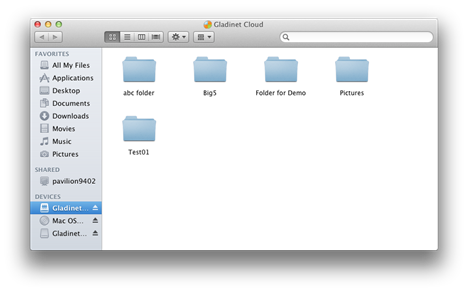
Forth – Mac Desktop Access

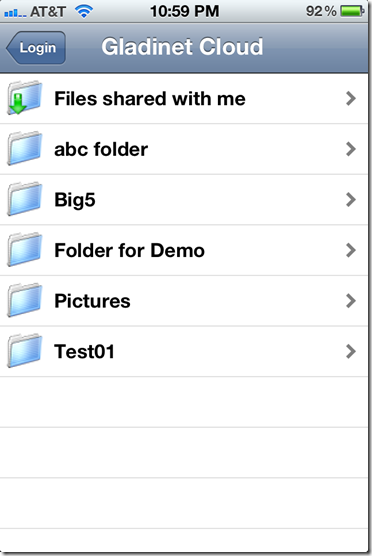
Fifth – Mobile Device Access

After you have checked out various accessing method provided for your IBM SmartCloud Object Storage, you are ready to try out the more advanced team collaboration related features. We will cover those in a series of articles in the coming days.


Comments